Moodle development & LMS specialists
Learning environments based on Moodle™.
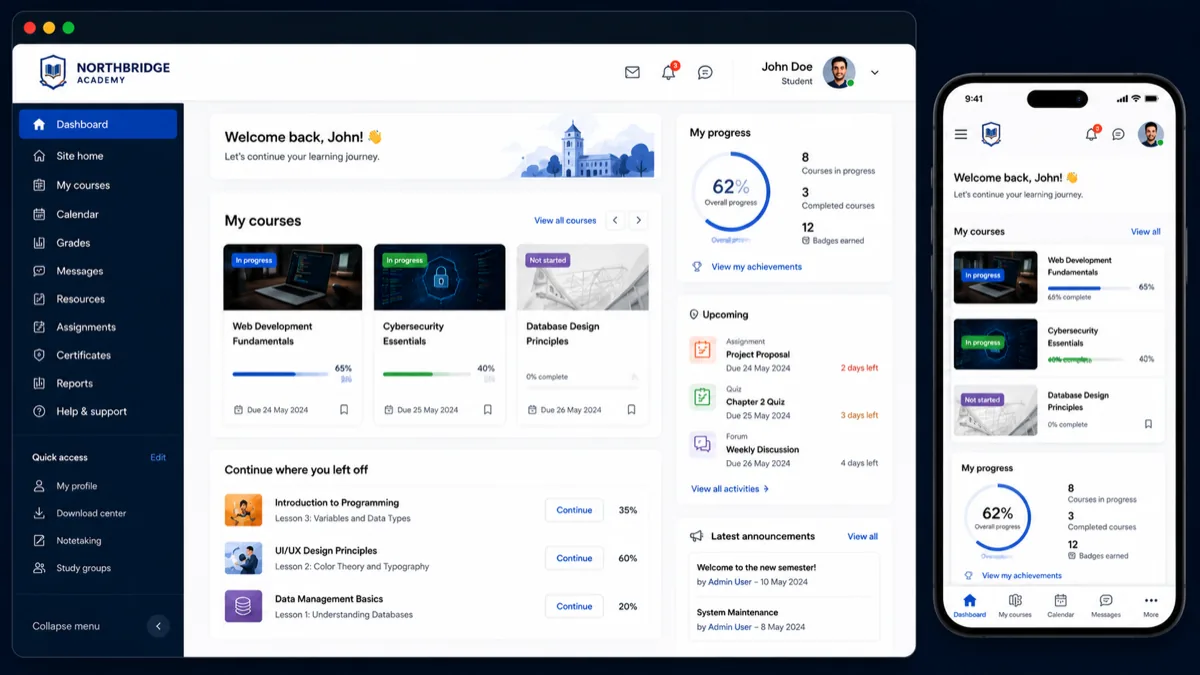
We build and improve learning platforms for schools, training providers and businesses. From a new LMS to custom features, integrations and ongoing support for your existing platform.
No obligation. You do not need a technical brief to get started.
- Open source
- No per-user licence fees
- Data hosted in the EU
Trusted by schools, training providers, and businesses
















Where do you want your learning platform to go?
Start with your needs. Explore what is possible and which approach fits your organisation.
A new learning environment
You need your own learning environment for students or employees, without per-user licence fees.
See the possibilitiesImprove your current environment
Your platform works, but could work smarter: new features, a fresh look or better reporting.
How we approach itSwitch or upgrade
Your platform is outdated or has become too expensive. We migrate your content and users without disruption.
Read about migratingStart your own academy
Onboarding, compliance and employee development in one environment, connected to your HR system.
Discover the corporate academyWork we're proud of

KLM Royal Dutch Airlines · in partnership with Avetica
Travel Journal - Cabin Crew Training Platform
Custom Moodle™ module developed for KLM's cabin crew training program, enabling flight attendants to log experiences and complete assessments during international layovers.
View case studyHow it works
Introduction and analysis
We discuss your current learning environment, the desired outcome, and the main bottlenecks. You speak directly with a developer.
Solution and estimate
You receive a proposal with the possible approach, points of attention, dependencies, and an estimate of the work involved.
Develop and test
We develop the solution and preferably deliver it to a test or acceptance environment first.
Review and go-live
After your review we process any feedback and schedule the go-live.
Maintain and improve
After delivery we continue to support you with questions, upgrades, maintenance, and further improvements.
An introduction without obligation
A clear starting point for your LMS needs.
Tell us what you want to achieve or where your current platform falls short. Talk to specialists who want to understand both the technology and your organisation.
What we will discuss
- Your goals, learners and existing platform.
- Which improvements or integrations you need.
- A suitable next step and the information we need to estimate costs.
Prefer to contact us directly?
Send us a brief
One partner for your complete learning environment
Whether it concerns custom software, integrations, upgrades, hosting, or technical advice: we make sure your learning environment fits your organisation better and stays technically manageable.
Your own academy, your brand
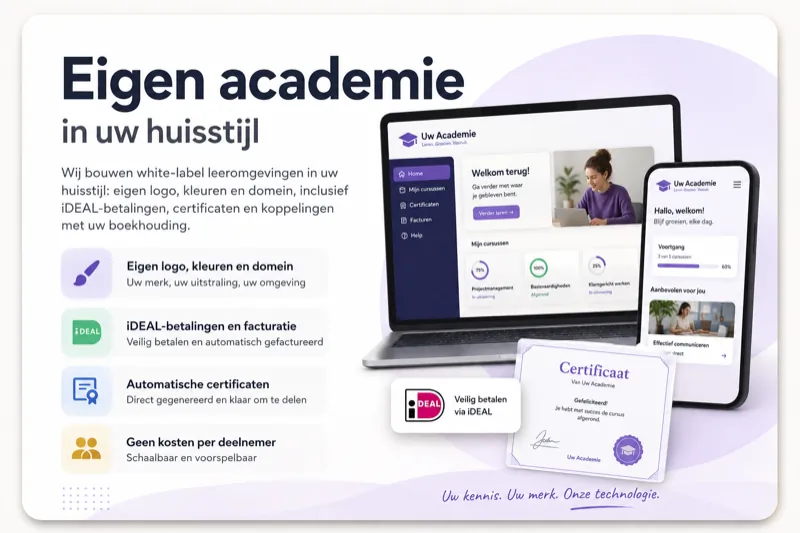
We build white-label learning environments in your branding: your own logo, colours and domain, including iDEAL payments, certificates and accounting integrations. No per-learner fees.
- Your own logo, colours and domain
- iDEAL payments and invoicing
- Automatic certificates
- No per-learner fees

Custom learning environments
When a standard LMS doesn't fit well enough, we develop a custom learning environment. We design the functionality, technical architecture, and integrations around your processes and users: one coherent platform that fits your organisation.
- Functionality built around your processes
- Custom technical architecture
- Integrations with your systems
- One coherent platform
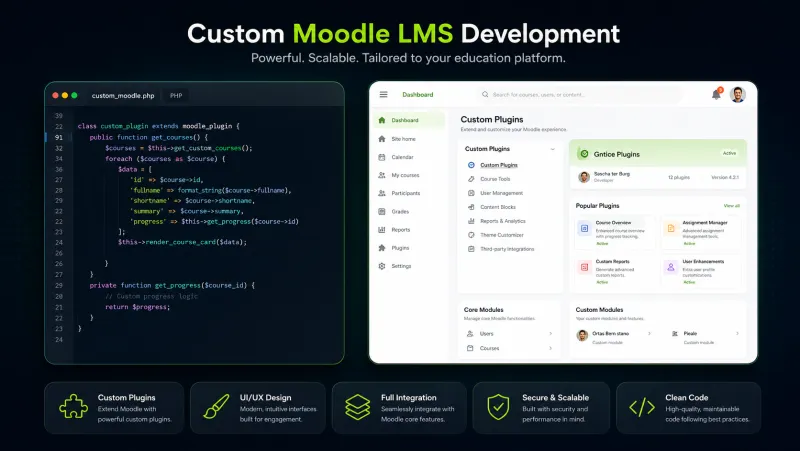
Custom Moodle™ development
We extend Moodle™ with functionality that fits your organisation, users, and work processes. And when an existing plugin almost fits, we make it fit.
- Management reports and dashboards
- Automated enrolments
- Certification and accreditation
- Automation of admin processes
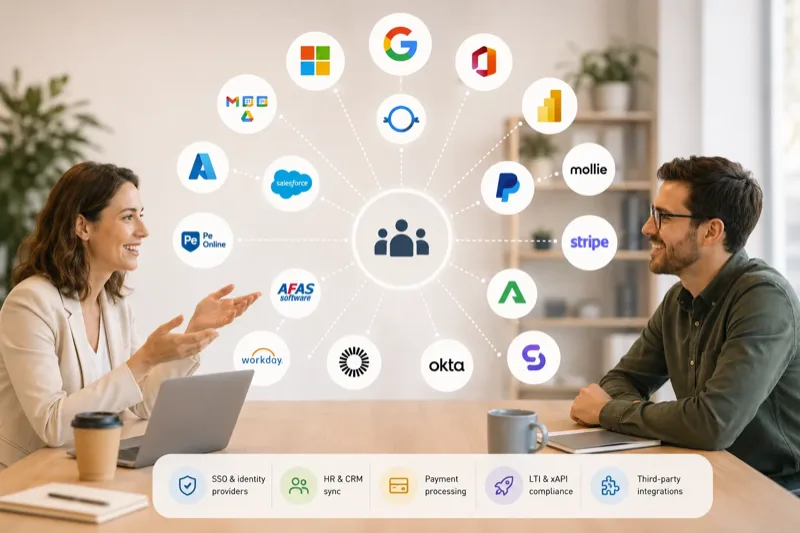
Integrations with other systems
We connect your learning environment to the systems your organisation already uses. Data is exchanged automatically, so information needs less manual upkeep.
- HR and personnel systems
- CRM and member administrations
- Single Sign-On
- Webshops and payment providers
Upgrades and migrations
A learning environment must stay secure, stable, and up to date. We guide Moodle™ upgrades and migrations, check existing plugins and custom software, and resolve compatibility issues.
- Moodle™ upgrades
- Plugin and custom code checks
- Resolving compatibility issues
- Maintainable in the long term
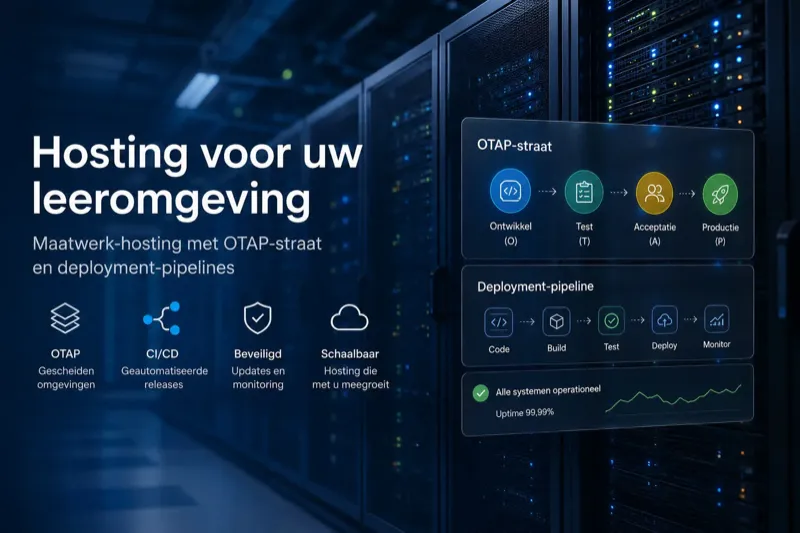
Hosting for learning environments
We set up a hosting environment that fits your platform, user numbers, and required availability. That keeps your learning environment reliable and manageable.
- Monitoring and backups
- Security updates
- Separated DTAP environments
- Controlled deployments

Technical advice
Not every question needs to lead straight to development. We first help you make the right technical choices: on architecture, security, performance, and future maintenance.
- Platform architecture
- Security and privacy
- Scalability and performance
- Feasibility, risks, and costs
Why Organizations Choose Ldesign
Five reasons why schools, training providers, and businesses choose us:
Across enterprise clients, universities, and government organizations worldwide.
Specialised in Moodle™ and custom work
Our focus is on Moodle™ and on learning environments developed fully to specification. That gives us deep knowledge of both standard functionality and complex technical extensions.
Experience with complex learning environments
We work on learning environments with custom plugins, multiple organisations, external integrations, extensive reporting, and thousands of users. We also take on questions beyond a standard implementation.
Direct contact with developers
You communicate directly with the people who analyse and develop your environment. That prevents unnecessary handovers, speeds up communication, and reduces the risk of misunderstandings.
Maintainable solutions
We develop according to the applicable coding standards and account for security, documentation, performance, and future upgrades. That prevents solutions that work now but become hard to maintain later.
Clear agreements
We discuss the approach, dependencies, risks, and expected work up front. During the project we keep you informed and preferably deliver changes to a test or acceptance environment first. We stick to our agreements and communicate clearly and openly.
About Ldesign Media
For more than 16 years we have been helping organisations with technical development for custom learning environments. In that time we developed more than 300 plugins and custom solutions through Moodle™ custom development.
Our work ranges from small process improvements to large platforms with thousands of users, multiple organisations, external integrations, and extensive reporting. You communicate directly with the people who analyse and develop your environment.
Many organisations don't need an entirely new LMS. They want their existing open-source learning environment to fit their processes better. That is why we start by understanding your current situation and decide together which improvements genuinely add value. Prefer to have a fully custom learning environment built from scratch? We think it through with you from the first sketch.
Complete Environments
End-to-end learning platforms built from scratch
Expert Team
Developers, consultants, and specialists working together
Clear Solutions
Complex challenges translated into effective outcomes

Luuk Verhoeven
Software Developer / Owner
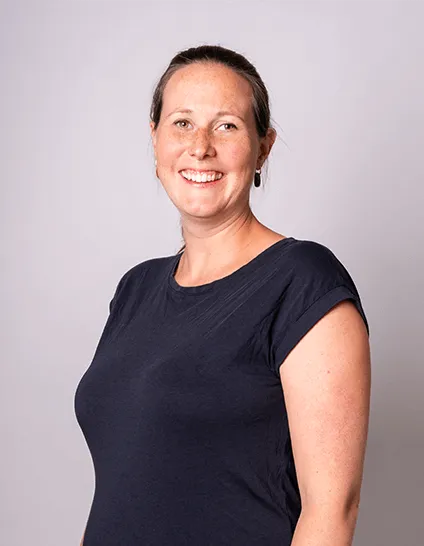
Josien Drijfhout
Management / Owner

Hamza Tamyachte
Software Developer

Nihaal Shaikh
Software Developer
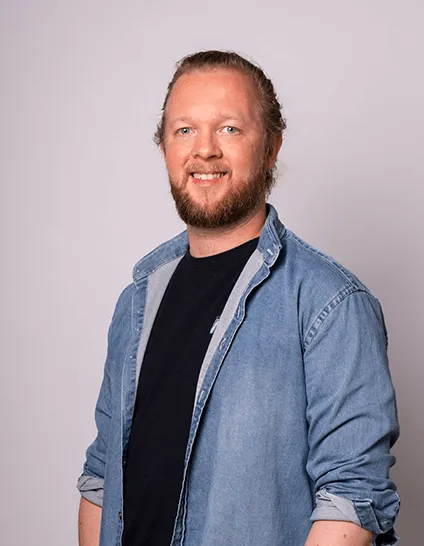
Vincent Cornelis
Software Developer
Meet the Team Behind Your Success
You work directly with the people building your learning environment: one fixed point of contact who speaks your language and knows the tech, thinking along from first idea to delivery.
Luuk Verhoeven
CEO / Lead Developer
16+ years of Moodle™ development experience. Passionate about creating high-quality, reliable and secure learning solutions.
Josien Drijfhout
Management / Co-owner
Ensures smooth project delivery and client communication. Focused on building long-term partnerships.
Based on 20 Google reviews

Karin Groen
2025
"From De Schoolschrijver, I really enjoy working with LDesign. The result was a beautiful piece of custom work in our Moodle environment. Vincent is incredibly meticulous, thinks along very actively, and communication is very pleasant. Highly recommended!"

Arnout Vree
2023
"Working with Ldesign is always a pleasure. Clear agreements, short lines of communication, and the quality of the Moodle plugins is good."

Gemma Lesterhuis
2023
"LT&C has had a pleasant collaboration with Ldesign Media for years for developing and maintaining Moodle LMS plugins. We are very happy with their expertise and professional knowledge."

Joris Even
2023
"From JE Ontwikkeling, we have been working with Ldesign for several years now. The service is excellent and the collaboration very pleasant. The quality of the programming work is high, and through co-creation we have achieved wonderful products. Thanks!"

Frans Levels
2020
"Perfect work for our website."

Lilian Suijkerbuijk
2020
"Very satisfied with our website and the quick actions for questions or changes to be made!"

Paul Storms
2019
"Good modification to a Moodle plugin. Clear agreements."

Merlijn Vanhecke
2019
"Nice service, good knowhow."

L. Ottink
2019
"Ldesign manages the maintenance and optimization of our Moodle environment. I am very satisfied with the collaboration with Luuk. He thinks along with us and offers suitable solutions. Through his quick response time and flexibility, he ensures that we are fully taken care of in this area."

L. Arendsen
2019
"Ldesign is a very pleasant company to work with: proactive, fast, excellent results, and clear agreements. Many years of good work delivered for our website."

Sanne van Hoof
2019
"Very satisfied: always quick response, quick results, and great that they think along about improvements!"

Dexo Media
2019
"Great service, very customer-friendly. Very pleasant to work with."

Guus Mul
2018
"Luuk is our technical support and backbone. Very knowledgeable and quick in solving all Moodle-related problems. Highly recommended!!"

Bas H.
2018
"A very professional, capable, and driven developer. Can think along and develop at all levels."

Academie Tandartsenpraktijk
2018
"Fast, accurate, proactive, up to date with the latest trends, highly recommended. In other words, a true professional."

Dental Lect
2018
"Ldesign is a skilled and extremely professional company. Response times are short and they have never delivered a product we were disappointed with!"

Josien Drijfhout
2017
"Friendly and honest advice. Additionally, keeps to agreements and delivers quality in consultation with the client."

Richard Den Haag
2017
"Luuk is a craftsman like I have never met before. A wonderfully proactive person. I highly recommend Luuk for anything code-related."

Unhooked Kite
2017
"Good collaboration, and provides good support!"

Familie Vrolijk
2017
"Ldesign is a loyal partner for our business website. Accurate, proactive, and helpful. Top company!"
Running into the limits of your learning environment?
From a management dashboard or automated process to an integration with your HR, member, or sales system: we make your learning environment fit your organisation better.
Schedule a Free ConsultationFrequently Asked Questions
Get answers to common questions about Moodle™ development, our process, and how we can help transform your learning platform. Can't find what you're looking for?