


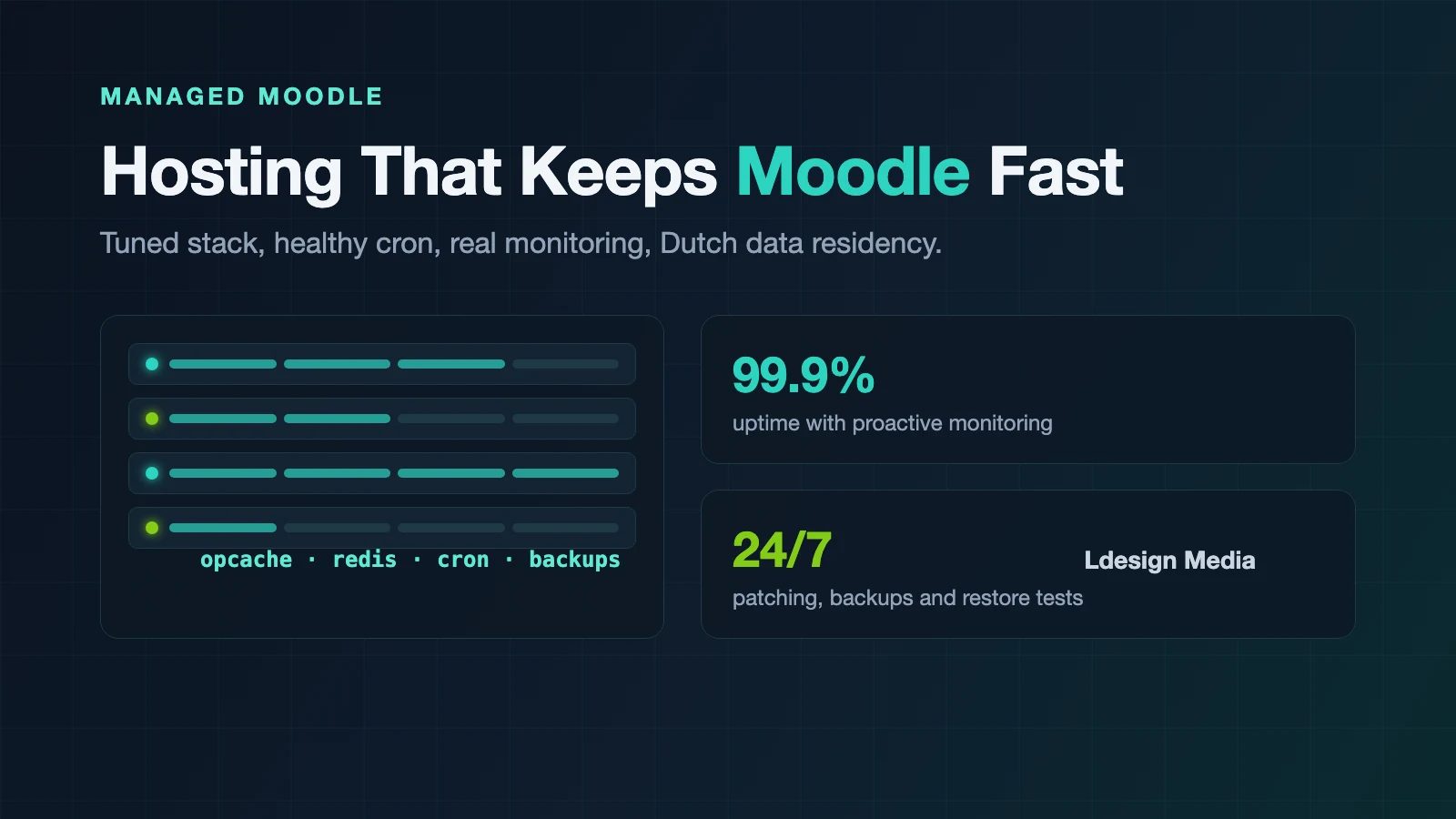
The short answer: Moodle needs hosting that is tuned to the application
Moodle is not a simple website but a full-fledged PHP application with a relational database, file storage, caching, background tasks, and external integrations. On generic shared hosting it often seems to work fine, until the number of users grows or everyone opens an exam at the same time. That is when you find out whether the stack is truly tuned to Moodle.
Moodle can scale to large numbers of users, but that requires a suitable architecture and carefully configured shared components (MoodleDocs). After more than fifteen years of working with Moodle environments, we know which choices determine speed and stability. This guide covers what good Moodle hosting requires, why Moodle sometimes feels slow, when self-hosting makes sense, and how to choose a hosting and maintenance partner.
1. What does Moodle need from the hosting stack?
Which versions Moodle supports differs per release. Moodle 5.2 requires at least PHP 8.3 and also supports PHP 8.4. Supported databases are PostgreSQL, MySQL, MariaDB, Aurora MySQL, and Microsoft SQL Server; Oracle has not been supported since Moodle 5.0 (Moodle Developer Resources). Meeting these minimum requirements is not enough, though. For a fast and stable production environment, the components have to be configured as one coherent whole:
- OPcache enabled and properly configured, so PHP does not have to recompile Moodle's many files on every request.
- Enough PHP workers and memory: too few workers create queues at peak moments, too many put pressure on memory and the database.
- A tuned database with enough memory for data and indexes, slow query monitoring, and table maintenance; there is no universal configuration, the right settings depend on actual usage.
- Cron running at least every minute and monitored: a stalled task queue shows up as unsent emails, lagging synchronizations, and stuck reports.
- Appropriate caching: the default configuration often suffices for small sites; Redis as a cache and session store is mainly worthwhile for larger and load-balanced setups, not as a fix for every performance complaint.
- Fast storage for moodledata: in a cluster, shared storage latency is decisive; slow NFS storage can drag down the entire environment.
- Backups, monitoring, and an update process covering Moodle, plugins, PHP, the database, and the operating system; Moodle ships a major release every six months and point releases roughly every two months containing bug fixes and security fixes.
2. Why does Moodle sometimes feel slow?
A slow Moodle rarely has a single cause. In practice, these are the most common culprits:
- OPcache disabled or sized too small, forcing scripts to be reprocessed over and over.
- Too few or wrongly sized PHP workers, causing queues or memory pressure.
- A database that does not match usage, for example insufficient memory, missing indexes, or one heavy report.
- Caching that is not configured appropriately and ends up on slow storage or in the database.
- A backlog in cron and ad-hoc tasks, making heavy processes compete with user traffic.
- Tables growing without bounds, such as
logstore_standard_log, historical grades, and session tables. - Heavy or poorly optimized plugins running inefficient queries on every page view.
- External integrations (SSO, HR systems, video services) that a page request has to wait on.
Optimization therefore starts with measuring, not guessing. Use a baseline measurement and monitoring to find out where time is actually spent (in the server, the database, cron, caching, external integrations, or the Moodle code itself) and then address the biggest bottleneck deliberately (MoodleDocs). Is your Moodle environment structurally slow? With a Moodle quickscan we systematically map configuration, database health, caching, cron, plugins, and security.
3. Self-hosting Moodle or choosing managed hosting?
Self-hosting can work well when your organization has system administrators with PHP, database, and Linux knowledge as well as demonstrable Moodle experience, and when monitoring, backups, updates, and incidents have clear owners. You keep maximum control, but you also carry full responsibility for availability, security, and recovery. In practice we often see environments that were set up once and barely maintained since: they seem to run fine for a long time, until an upgrade becomes unavoidable or a security issue demands immediate action.
With managed Moodle hosting, technical responsibility lies with a specialized team, from provisioning and tuning to updates, backups, and incident handling. Managed hosting does not automatically cover functional administration, so agree upfront who handles infrastructure, technical Moodle administration, functional administration, and custom code. For many organizations this is more predictable than spreading those tasks across internal staff and external suppliers.
4. What should managed Moodle maintenance include?
Outsourcing administration only has value when the scope is clear. A serious maintenance agreement covers at least:
- Moodle and plugin updates, with an agreement on how quickly security updates are assessed and where updates are tested first.
- Controlled version upgrades with an inventory of plugins and custom code, a trial upgrade, testing, and a rollback plan; we bring outdated environments to a supported version via such a controlled migration path rather than keeping them artificially alive indefinitely.
- Security and hardening, from OS and PHP patches and certificate management to secured admin accounts and logging of administrative actions.
- Monitoring with a clear SLA: what is monitored, what happens when a threshold is crossed, and what "response time" actually means.
- Tested backups of the database, moodledata, and code, with periodic restore tests and explicit agreements on RPO and RTO.
- Access to Moodle developers who can investigate problems in plugins, cron tasks, and integrations; in our own marketing materials we use the experience of more than 300 developed Moodle plugins as an indication of that technical background.
5. GDPR and data residency
Moodle processes a lot of personal data: names, email addresses, enrollments, progress, grades, exam attempts, and audit logs. The GDPR does not require this data to be stored in the Netherlands or the EU. What it does require is insight into where data is processed, who has access, and on what legal basis any transfer outside the European Economic Area takes place.
Hosting within the Netherlands or the EEA makes that assessment more straightforward, among other things through shorter lines of communication and contracts under European law, but it does not automatically mean no international transfer takes place. So also check the subprocessors used for monitoring, email, support, and backups. Large US cloud providers can likewise be deployed in a GDPR-compliant way, provided they are deliberately configured with region selection, access management, and data processing agreements. Ask any provider at least where the primary data and backups are located, which subprocessors are used, who has technical access, and how data is deleted after the contract ends.
6. How do you choose a Moodle hosting partner?
When comparing providers, these six questions help:
- Is the infrastructure tuned specifically to Moodle? "We support PHP and MySQL" says little; ask about OPcache, PHP-FPM, Redis, cron, and moodledata.
- Who applies Moodle and plugin updates, within what timeframe, and with what testing process?
- How are backups set up, and are RPO and RTO defined and tested?
- What does the SLA cover, and what is explicitly excluded?
- Can the provider debug Moodle itself, looking further than whether the server is reachable?
- Can you take the environment and data with you if you leave, including code, files, and configuration?
Conclusion: hosting is part of the Moodle experience
Users do not see PHP workers or database indexes; they only notice that a course opens quickly and an exam stays available. Infrastructure, configuration, plugins, and maintenance together determine how reliable the learning platform is. Good Moodle hosting therefore means a supported stack, appropriate capacity, monitoring, controlled updates, tested backups, and specialists who also understand the Moodle code.
Curious about the technical state of your environment? With our Moodle quickscan we map configuration, database, cron, caching, plugins, and security, with concrete improvement points. Read more about Moodle hosting and technical maintenance or get in touch for a no-obligation conversation.