

Free Moodle Quickscan
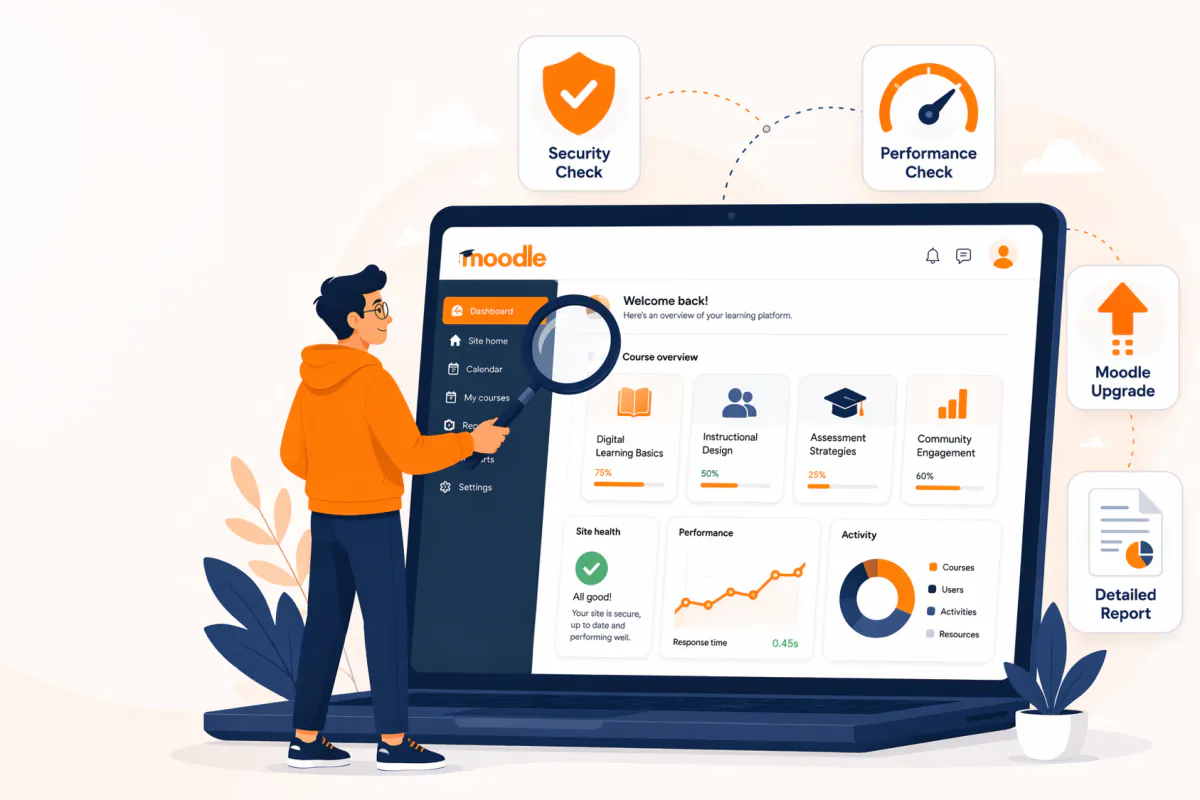
Our developers review your Moodle™ environment in 30 minutes: a free audit of security, performance and upgrade readiness. You then receive a concrete report your own team can act on right away.
Pick a time right away
Check availability and schedule the quickscan at a time that suits you.
The calendar is provided by Calendly and only loads once you click below. No data is shared with Calendly until then.
Prefer to open the calendar in a new tab? Open the calendar on Calendly
What you get
Security check
A compact security audit: version, patches and known vulnerabilities in your Moodle™ environment.
Performance quick wins
Concrete improvements for load time, server strain and your learners' experience.
Upgrade readiness
How far you are from Moodle™ 4.x/5.x and what an upgrade would mean for your organisation.
Written report
Concrete recommendations your own team can pick up right away.
How it works
1. Book a slot
Pick a time via the calendar link — no back-and-forth emails.
2. 30-minute video call
We look at your environment together: read-only, no production access needed unless you choose to.
3. Report in your inbox
You receive the written report with concrete recommendations within 3 business days.
Who is the quickscan for?
For anyone responsible for a Moodle™ learning environment who wants to know where it stands — without having to dive into the tech themselves.
Training and L&D managers
You want a learning environment that is fast, stable and secure for your learners. The quickscan translates tech into clear action points, without jargon.
IT managers and administrators
You manage the environment, but Moodle™ isn't your daily specialty. We assess version, patches and configuration and tell you what deserves priority.
Directors and budget holders
You want substantiation before investing in an upgrade, migration or a different vendor. The report gives you an independent, factual picture.
When is a quickscan worthwhile?
Especially when you need to make a decision about your learning environment. Do you recognise one of these situations?
- Your learning environment feels slow and learners complain about load times.
- You run an older Moodle™ version and wonder whether an upgrade to 4.x or 5.x is needed.
- You want certainty about security, patches and GDPR risks.
- You have doubts about your current hosting or maintenance partner and want an independent second opinion.
- You have taken over an existing Moodle™ environment and want to know what you've inherited.
- Your organisation is growing and you want to know whether the environment can handle more users.
No sales pitch
A technical scan by Moodle™ developers, not an account manager.


