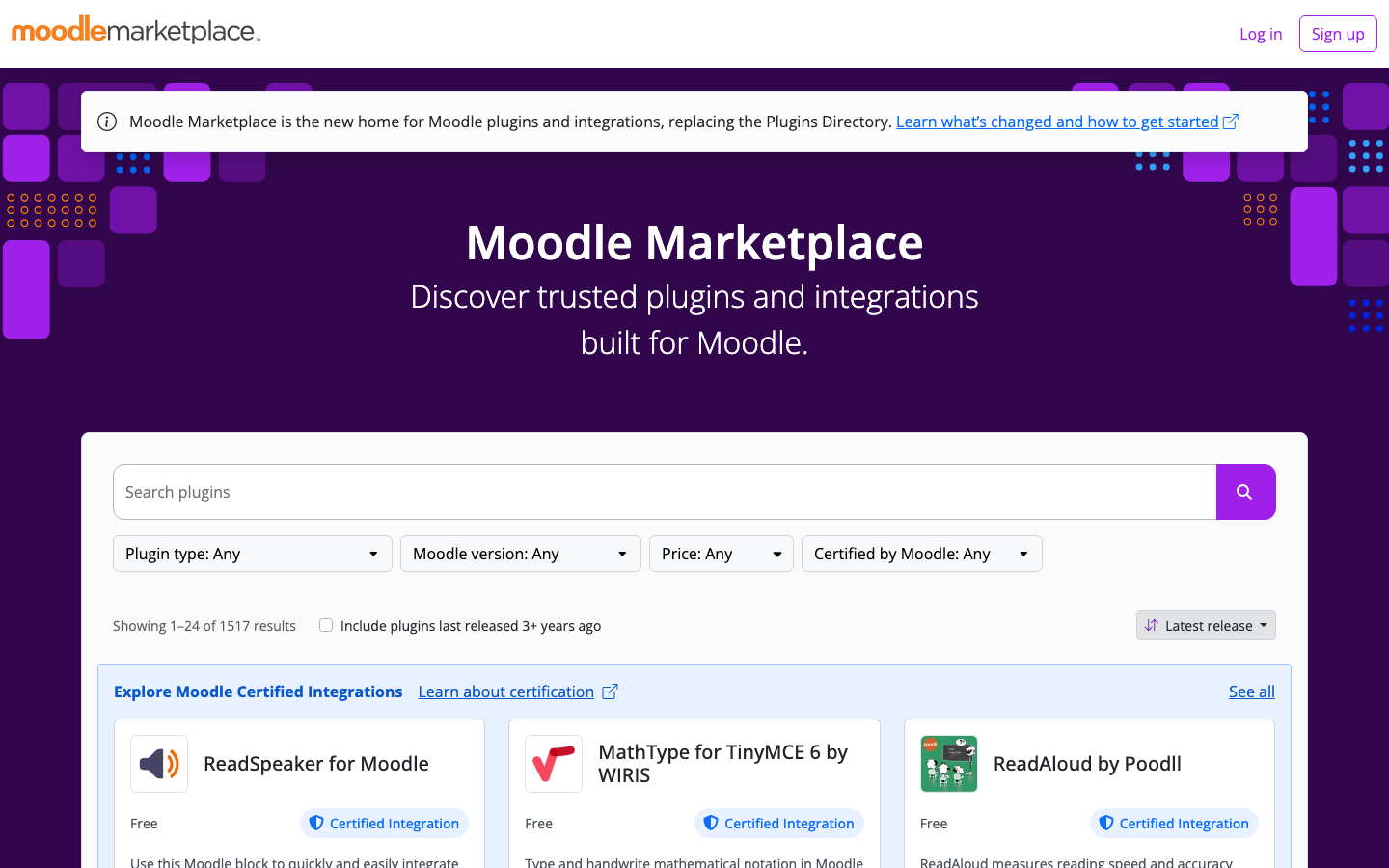



We have a small milestone to celebrate: our plugin Information Banner has been reviewed, approved, and is now live in the official Moodle plugins directory. It is the kind of plugin that looks simple from the outside — a banner at the top of every page — but it solves a problem every Moodle administrator runs into sooner or later: how do you make sure *every* user actually sees an important message?
You can find it here: Information Banner on marketplace.moodle.com.
The Problem It Solves
Every organization running Moodle has messages that cannot be missed: a planned maintenance window, a policy change, an upcoming event, or an urgent alert. The usual options all leak:
- Mass emails get ignored or land in spam;
- a notice pinned in one course only reaches the people who visit that course;
- editing the theme for a temporary announcement is fragile, and someone has to remember to remove it again.
Information Banner takes a more direct route: it puts your message at the top of every page, the moment a user logs in and everywhere they navigate after that.
What the Plugin Does
- Site-wide display — the banner shows on every page via Moodle's modern Hooks API. No theme edits, no hacks in your layout files.
- Scheduled visibility — set an exact start and end date/time. The banner appears and disappears automatically, so no one has to flip a switch at 07:00 before a maintenance window.
- Dismissable — users can close a banner once they have read it. Their choice is remembered per user, so they are not nagged again on every page load.
- Rich HTML messages — format your announcement with links, bold text, and styling.
- Marquee mode — an optional scrolling-text display for high-visibility notices.
- Capability-controlled — show banners only to users with the right permission, using a dedicated
local/informationbanner:viewbannercapability. Ideal for messages meant only for teachers or staff. - Test mode — preview your banner before it goes live to all users.
Built the Modern Moodle Way
Under the hood this is exactly how we think community plugins should be built. The banner is injected through Moodle's Hooks API rather than by overriding renderers or patching themes, which keeps it robust across upgrades. The plugin supports Moodle 4.5 through 5.2.
It also ships with a complete Privacy API provider. The only thing stored per user is a single preference — whether they dismissed the banner — and that data is properly declared, exported, and deleted. That earned the plugin the Privacy friendly award in the plugins directory, along with the Automated testing support award for its test coverage. Both matter to us: they are the difference between a plugin you can adopt with confidence and one you have to audit first.
Why We Released It
At Ldesign Media we mostly build custom Moodle plugins for clients, but this one kept coming back as a recurring need — in our own projects and in conversations with administrators. Instead of rebuilding a slightly different banner for every organization, we built one properly and released it so the whole community can use it.
Get the Plugin
Information Banner is free and open source. Install it from the Moodle plugins directory, or search for it directly from your site's plugin installer. We maintain it actively, and feedback, bug reports, and feature ideas are very welcome.
And if your organization needs something that does not exist yet — a plugin, an integration, or a full custom LMS — that is exactly what we do all day. Get in touch; we would love to hear about it.