


On 5 October 2026, Moodle HQ released Moodle LMS 5.3 LTS, themed "Learning with intent". It is the release many organizations have been waiting for: the first Long-Term Support version of the 5.x line, with scheduled security support until 1 October 2029. For every site currently running Moodle 4.5 LTS, this is the version to plan for.
In short: make 5.3 the new standard, but do not upgrade production yet. The first minor release, 5.3.1, is targeted for 7 December 2026, and further minor releases follow on Moodle's regular release schedule. Use the weeks in between to test on a staging environment.
Plan now, test on staging, and schedule the production upgrade for after the first minor release (5.3.1). Even an LTS .0 release ships with fresh regressions that the first minor releases iron out. Waiting is our policy recommendation, not a requirement from Moodle HQ.
Why 5.3 Becomes the New Standard
Moodle's release rhythm is a major release every six months (April and October), with an LTS roughly every two years. Regular releases receive 18 months of security fixes; an LTS receives 36 months. The current landscape:
- Moodle 4.5 LTS (October 2024): general support ended in October 2025, scheduled security fixes until 4 October 2027.
- Moodle 5.0, 5.1, 5.2: regular releases. 5.0 security support already ended on 5 October 2026; 5.1 receives security fixes until April 2027, 5.2 until October 2027.
- Moodle 5.3 LTS (October 2026): general bug-fix support until 4 October 2027, scheduled security support until 1 October 2029.
If you are on 4.5 LTS, you have roughly a year of runway. That is comfortable, but not a reason to wait: a well-prepared upgrade takes months, and 5.3 is where you want to land. If you are on 5.1 or 5.2, 5.3 is your next step too, because those lines stop receiving security fixes in 2027.
What Is New in Moodle 5.3
The 5.3 release notes list hundreds of changes. These are the ones that matter most.
Course navigation and look and feel
- Linear navigation is here. Activities and resources get a sticky footer with Previous and Next buttons, so learners can move through a course without returning to the course page. There are deliberate exceptions, such as quiz attempts, the SCORM player, and grading and editing pages. Manual completion controls live in the same footer. Note: linear navigation is enabled by default in the topics and weekly formats, teachers cannot switch it off per course, and only admins can disable it per course format.
- A global visual uplift: centered page layout, redesigned course index and block drawers, a new default font, inline global search in the top navigation (now matching the start of words), the user's name next to their avatar, and redesigned notification and message icons.
- Dark mode in Boost, as an experimental feature. Off by default; the admin enables it and each user then picks Light, Dark, or System. Test your theme and plugins before switching it on for everyone.
Teaching and assessment
- Learning outcomes (constructive alignment): define outcomes at site or course level, link them to activities, track progress in dedicated reports, and move them along with backup and restore. Scales are optional now. This is the "learning with intent" headline.
- Assignment marking workflows phases 2 and 3: multiple markers each leave their own feedback (comments, files, annotations), optional markers are supported, and a first version of sample marking landed.
- Quiz due dates: a quiz can now have a due date between open and close, marked as late afterwards, with user and group overrides. Plus clearer submission confirmation and user filters in quiz reports.
- Question bank cleanup: delete a category together with its questions in one step, bulk actions aligned with course bulk actions, and the add-question dialog remembers your last bank.
AI, admin and security
- Anthropic Claude joins the native AI providers (alongside OpenAI, Azure, Gemini, Bedrock, Ollama and DeepSeek), and a new AI usage report shows teachers how AI features are used per course. With the EU AI Act applying in stages, this kind of reporting supports oversight, though it is not compliance by itself.
- Admins get risk indicators on role definitions, new-login notifications enabled by default, asynchronous course deletion, and the ability to run a scheduled task now via cron instead of waiting for its schedule.
- Mobile app: site logo in the app header, Premium usage alerts, and a new deep-linking auto-login setting. Review that setting after the upgrade and explicitly enable it if you use those links.
For developers
The Classic theme is removed from core (more on that below), routed web services gain OAuth 2 support, including personal access tokens, CLI commands can be written with Symfony Console, dependency injection via PHP attributes is supported, there is a standard PHP API for mounting React components, and PHPUnit database snapshots speed up plugin CI.
Coming From 4.5: What You Absorb in One Jump
Upgrading from 4.5 LTS to 5.3 LTS means absorbing four releases' worth of changes at once: the three intermediate releases 5.0, 5.1 and 5.2, plus 5.3 itself. The jump is fully supported (5.3 accepts upgrades from 4.4 and later), but these intermediate changes deserve attention:
- From 5.0: Boost was rebuilt on Bootstrap 5, and several components were removed: the Atto editor, the Chat and Survey activities, MNet, the CAS authentication plugin, and Oracle database support. Open Badges 3.0, SMS notifications and the activities overview page arrived.
- From 5.1: the /public web root restructure. The web server document root moves to the public subdirectory. This is the single biggest operational change in the 5.x line: it touches your webserver vhost, cron definitions, CLI paths and any reverse proxy rules. (Moodle's routing subsystem itself was already introduced in 4.5.) The activity chooser was also redesigned.
- From 5.2: PHP 8.3 became the minimum, React was added to core, the dashboard was redesigned, marking workflows phase 1 shipped, and the groundwork for linear navigation was laid.
If you stayed on 4.5 LTS, none of this hurt you yet. All of it lands with your 5.3 upgrade, which is exactly why thorough staging tests matter.
Server Requirements: Check These First
Before anything else, verify your stack against the 5.3 requirements:
- PHP 8.3 minimum (8.4 supported), 64-bit only, with the sodium extension and max_input_vars set to at least 5000.
- PostgreSQL 17 and MariaDB 11.4 (both raised in 5.3), MySQL 8.4, or SQL Server 2019.
- Oracle is no longer supported since 5.0.
- Direct upgrade possible from Moodle 4.4 or later, so 4.5 LTS qualifies.
Coming from a typical 4.5 stack (PHP 8.1/8.2, PostgreSQL 13/14, MariaDB 10.11), the PHP and database upgrades are real projects on their own. Sequence them deliberately: first check that your current Moodle version and plugins support the new PHP and database versions. PHP 8.3 is the documented bridge, supported by both 4.5 and 5.3, so you can raise PHP while still on 4.5 and upgrade Moodle afterwards; do not assume the same is true for PHP 8.4 on 4.5. Alternatively, move to a fresh, modern stack and migrate the data.
Keep in Mind: The Upgrade Checklist
The points we flag for every client moving to 5.3:
- The Classic theme is gone from core. Sites on the Classic theme are switched to Boost automatically. Moodle explicitly supports installing it as an additional theme before upgrading if you need more time, but rebuilding your theme on Boost is our recommendation, certainly if your custom theme inherits from the Classic theme.
- The /public restructure crosses your upgrade path. Plan the document root change, cron paths, and any hardcoded internal URLs carefully.
- Test plugins against linear navigation and dark mode. The sticky footer surfaces layout conflicts in custom activity plugins; hardcoded colors break in dark mode.
- Review linear navigation as a design choice. The Previous/Next footer adds a navigation route; it does not enforce sequential completion. It is on by default in the topics and weekly formats, and only the admin can disable it, per course format. Decide per format whether it fits your course design.
- Mobile app deep-linking auto-login: review the new setting after the upgrade and explicitly enable it if you use those links.
- Clean up the question bank as housekeeping. The new tooling makes it easy to remove orphaned categories and questions. It is optional, but a tidy question bank is easier to maintain going forward.
- Review Safe Exam Browser configurations if you run secured exams; screen capture and multi-display options changed.
- Stage everything with real data. Clone production, upgrade the clone, click through real courses, and only then plan the maintenance window.
Our Suggested Timeline
- October to November 2026: inventory your theme, plugins and integrations; stand up a staging clone; raise PHP to 8.3 there (the documented bridge that 4.5 also supports) and upgrade the database.
- 7 December 2026: 5.3.1 is targeted. Upgrade staging and start regression testing.
- After 5.3.1: reassess plugin compatibility and outstanding regressions. Production readiness depends on your own test results, not on a fixed date. Once staging passes, schedule the production upgrade in a quiet period, well before 4 October 2027, when 4.5 LTS stops receiving security fixes.
Why wait for 5.3.1? A Moodle .0 release is thoroughly tested beforehand, but only after release does it run on thousands of real-world environments, with every imaginable combination of plugins, themes and hosting. The most important bugs that surface there are resolved in the first minor release. That is why waiting for that first minor release before touching production is our standing advice as Moodle specialists, not a hard requirement. If your site is small, well-tested and lightly customized, upgrading earlier can be perfectly defensible.
Need Help With the Move?
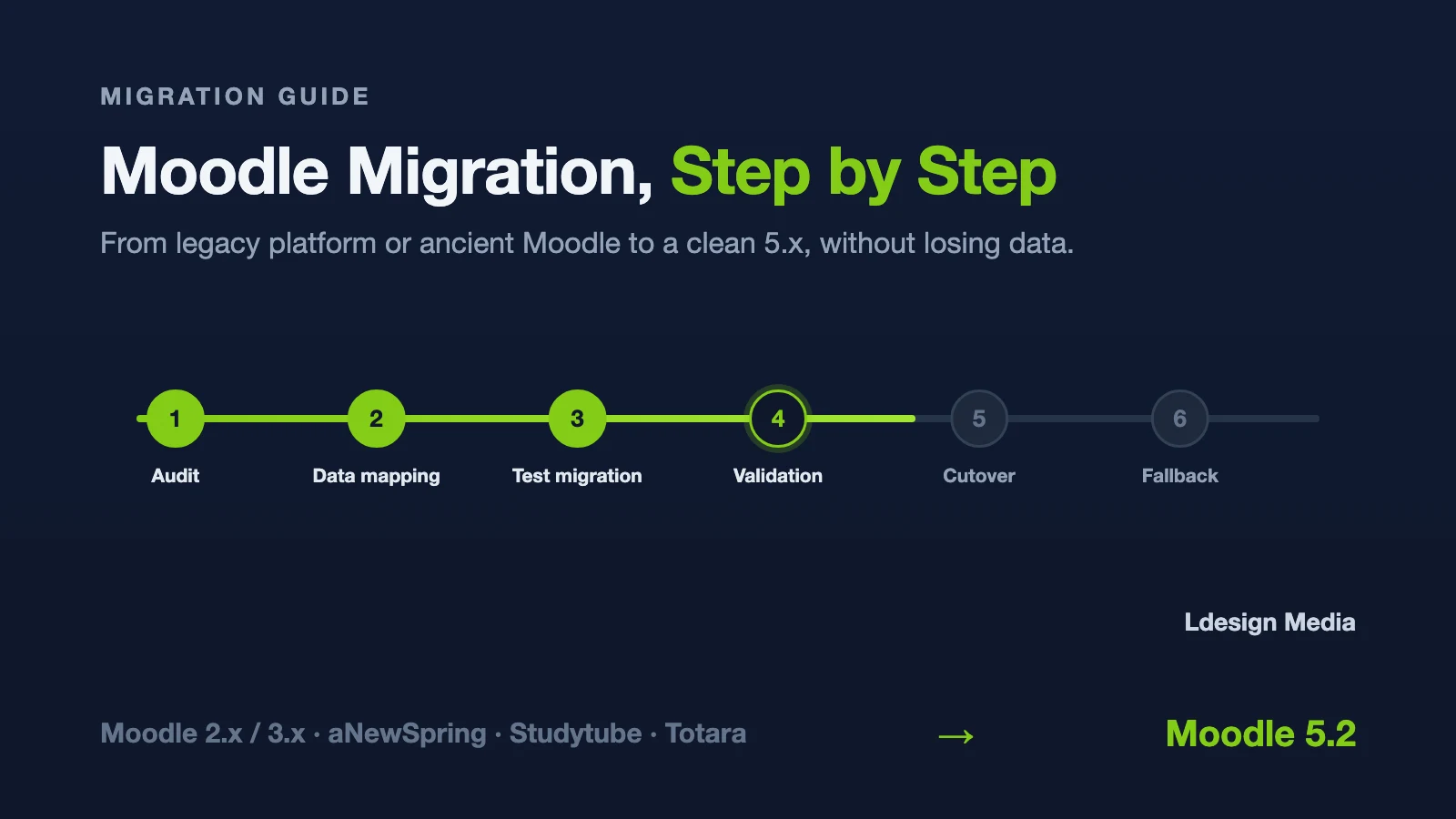
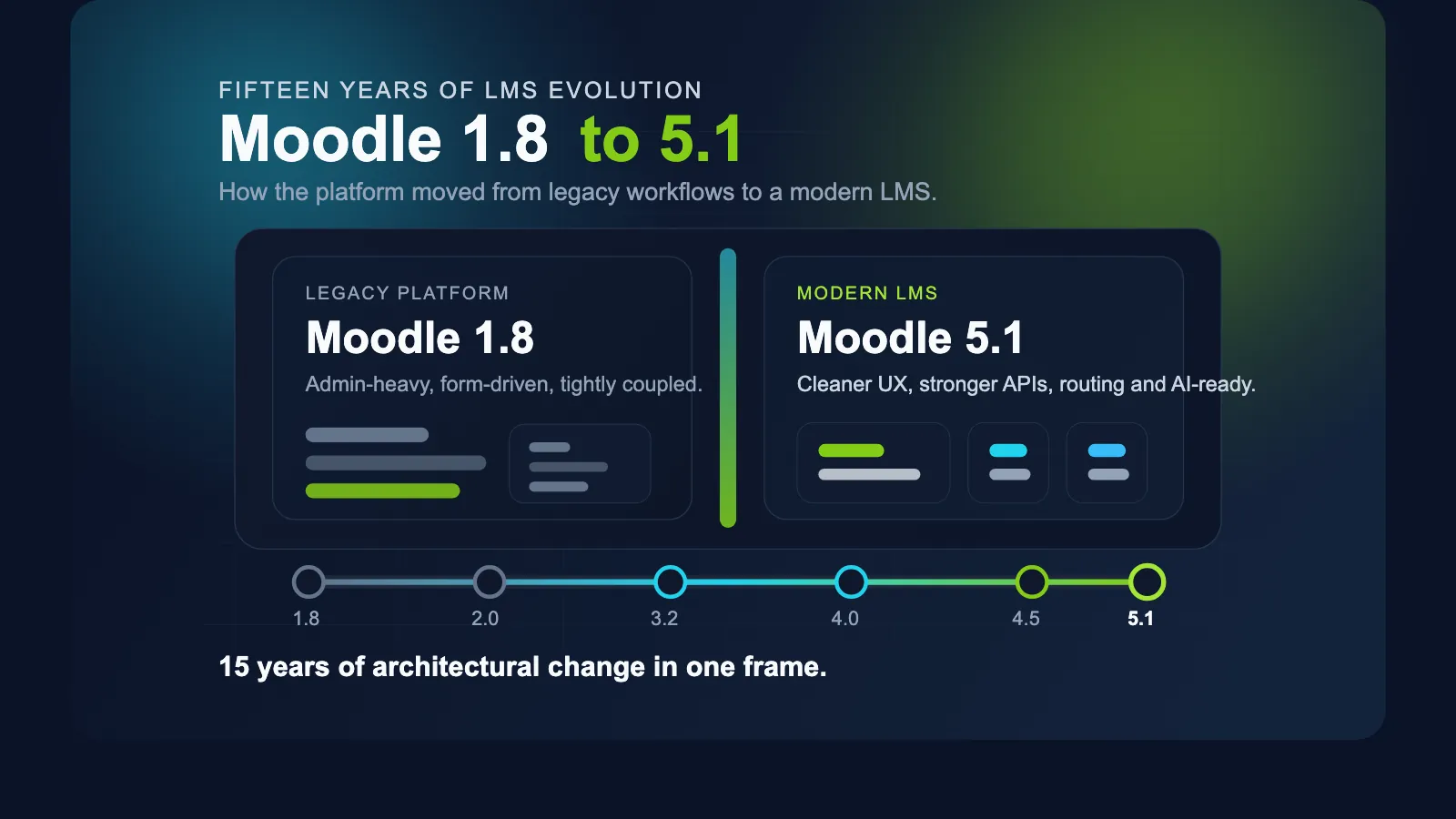
We upgrade Moodle sites for a living, from straightforward 4.5-to-5.3 jumps to full migrations with custom plugins and integrations. Read our Moodle migration guide for the step-by-step approach, work through the Moodle upgrade checklist, or talk to us directly about our Moodle upgrade and migration service. We also wrote about 15 years of Moodle releases if you want the bigger picture of how the platform got here.