
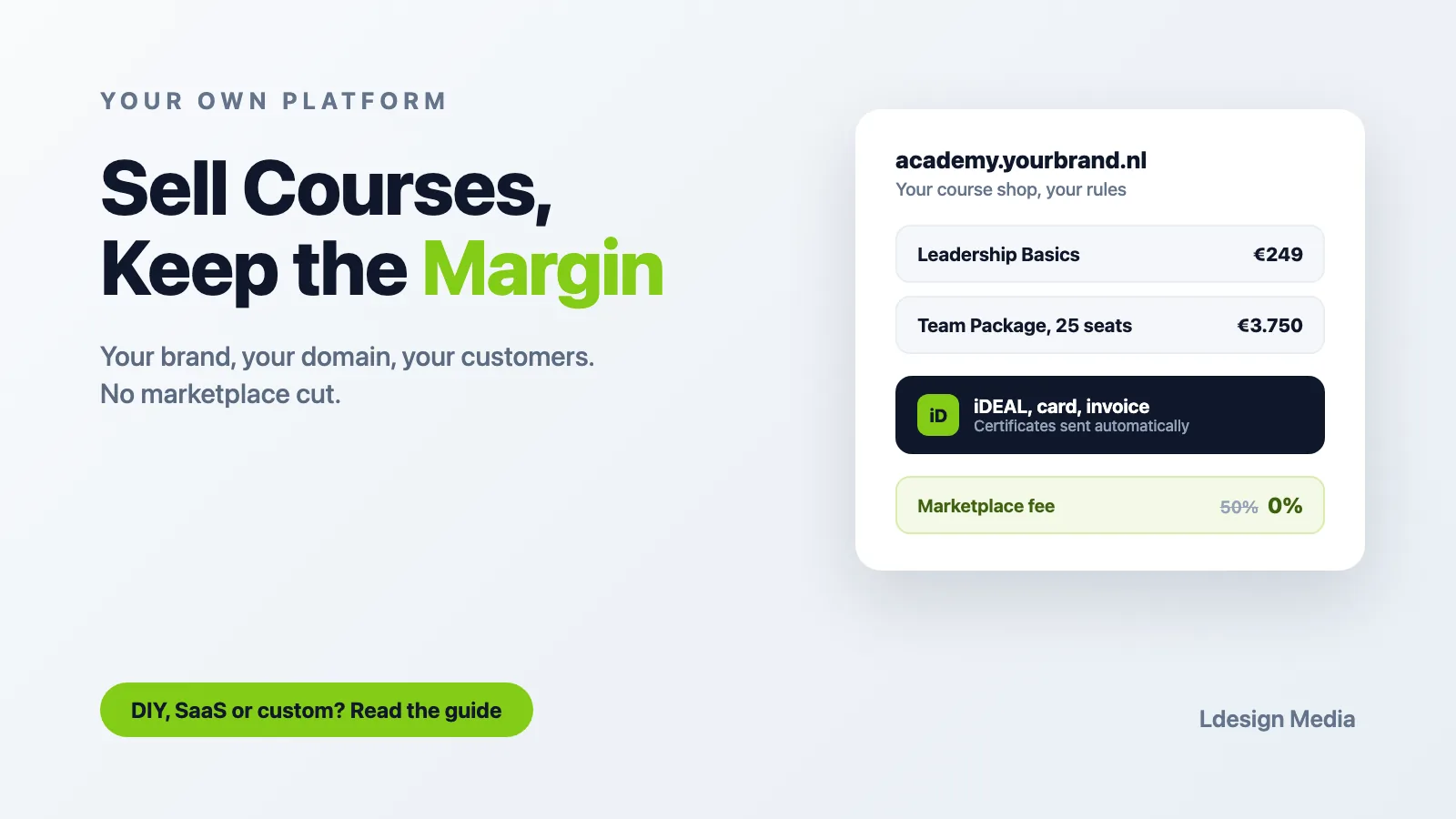
You have knowledge that people pay for: courses, training programmes, workshops. Maybe you sell them through a marketplace, a stack of loose tools, or not online at all yet. At some point every trainer and training provider hits the same wall: you want your own online learning environment, under your own brand, on your own domain, where you keep the margin and own the customer relationship. This guide lays out the realistic routes, what each one costs, and how to know when it is time to move up.
At Ldesign Media we build custom learning platforms for training providers and organizations that sell knowledge. We will be honest about when you do not need us yet, and when a custom build starts paying for itself.
1. Why Your Own Environment Beats Marketplaces and Tool Stacks
Marketplaces like Udemy or Soofos bring traffic, but they largely set the prices and own the customer relationship. Depending on the platform and how the sale comes about, you also hand over a share of the revenue. Your course sits next to a cheaper competitor, and your options for building the customer relationship outside the platform are often limited.
The DIY tool stack is the other extreme: a WordPress site, a course plugin, a payment plugin, an email tool, a video host, a community app. It works, but every update is a small gamble, the learner experience is scattered across logins, and nothing quite feels like one professional whole.
Your own learning environment solves both problems:
- Your brand end to end: your domain, your design, your certificates, no marketplace logo in sight
- Your margin: no revenue share, no per-sale fees to a platform middleman
- Your customer data: you know who buys what, you can upsell, and the relationship is yours
- One experience: course, payment, certificate and community in a single flow
2. The Three Routes to Your Own Platform
Route 1: DIY with WordPress or an all-in-one tool
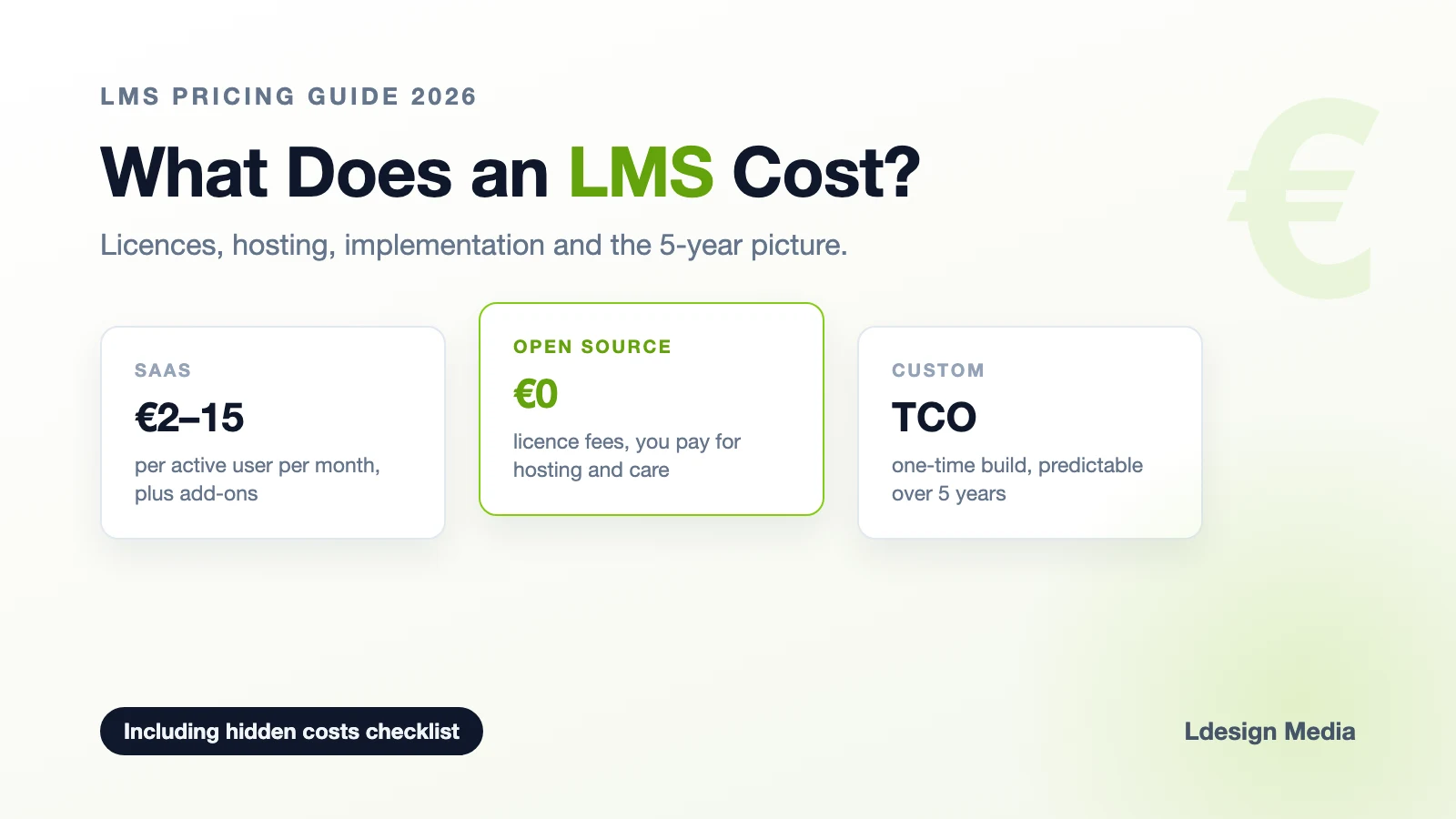
For solo trainers starting out, this is the honest starting point. A WordPress site with LearnDash or Tutor LMS, or a Dutch all-in-one tool like Huddle or Membirds, gets you selling for a few tens of euros to just over €100 per month, depending on the package and additional tools, plus your own time.
This route is right when you are validating whether people will pay for your course at all. Its limits show up quickly though: the design and customization options stay within the boundaries of the product you pick, and anything beyond "buy course, watch video, get certificate" (corporate clients buying seats, blended learning, exams with proctoring, tenant environments per business customer) is simply not in the product.
Route 2: SaaS learning platforms
Platforms like Teachable, aNewSpring or Studytube give you a professional environment without technical maintenance. Pricing models differ per vendor: fixed subscriptions, tiers based on learner numbers, or a combination, often with onboarding fees on the business tiers.
When comparing, check how the price scales with your success: some platforms charge per learner, others work with fixed amounts. The platform remains theirs either way: custom domains and deeper branding can depend on the plan you choose. And when you outgrow it, migrating interactive content out of a proprietary authoring tool is painful.
Route 3: A custom platform on open source Moodle
Moodle LMS is open source. That means you do not pay a Moodle licence fee per learner; you invest in the platform itself: setup, customization, hosting, maintenance and support. The cost model is fundamentally different from most commercial SaaS platforms. You own the platform, the brand and the data, and a partner builds it exactly around your business model: your payment flows (iDEAL, credit card, invoices via Mollie or Stripe), your certificates, your course bundles and subscriptions, and if you sell to companies, separate branded portals per client organization.
The investment is real: a professional build starts in the tens of thousands of euros, plus hosting and maintenance. It becomes interesting when training is a serious revenue stream, not a side project. Our pricing guide compares the three routes over 3 to 5 years, and the TCO calculator runs the numbers for your situation.
3. When Does a Custom Build Become Interesting?
There is no hard revenue threshold at which a custom learning platform automatically becomes the cheaper option. Revenue can be a useful indicator though. For a trainer still validating whether a course sells, a standard solution is usually more sensible than investing in a custom build right away.
As online training becomes a larger and more structural source of income, that trade-off shifts. Look beyond subscription fees at the total costs over several years: platform costs, transaction fees, additional tools, maintenance, integrations, and the time manual processes consume.
A custom build becomes especially interesting when standard software starts limiting your business model. Think of:
- companies that want to buy multiple licences or seats at once
- client organizations that need their own portal and reporting
- non-standard payment, invoicing or subscription models
- integrations with CRM, HR or other business systems
- specific certification or examination processes
- strong requirements around branding, data ownership or automation
An important trigger is the moment business customers start expecting their own environment, user management, branding, reporting or integrations. From that point on it pays to compare how much freedom a standard platform still offers against what a custom build costs over several years. Our guide on white label learning platforms goes deep on exactly that scenario.
If several of these points apply, compare SaaS and custom on the basis of Total Cost of Ownership (TCO). A custom platform requires a larger upfront investment, but at sufficient scale or complexity it can replace structural licence and process costs. The TCO calculator runs those numbers for your situation.
4. What Your Platform Must Handle
Whatever route you choose, check these boxes before committing:
- Payments the Dutch way: iDEAL is non-negotiable in the Netherlands, plus credit card and proper invoices with VAT handling for business customers
- Seat-based sales: a company buys 25 seats and distributes them to employees, without you touching anything
- Certificates and expiry: automatically generated, branded, and re-issued when certification lapses
- GDPR and data ownership: know where personal data is processed, which vendors and sub-processors have access to it, and what agreements govern that. Also check whether you can export data and practically handle data subject requests
- Content portability: SCORM or standard formats you can take with you if you ever migrate
- Reporting: for yourself, and if you serve companies, per-client reporting their HR department can actually use
5. Pitfalls to Avoid
Building before validating
The most expensive platform is the one nobody buys from. Sell your first courses the simple way, learn what customers actually want, then invest.
Choosing for today instead of for three years ahead
A tool that fits 50 students can become a straitjacket at 500. When in doubt, choose the route whose content you can export.
Forgetting the business side of the sale
B2B customers want a quote, an invoice and a purchase order flow. If your platform only does consumer checkout, you lose exactly the customers with the biggest budgets.
Underestimating maintenance
An owned platform needs updates, security patches and backups. Budget for managed hosting or a support contract; the freedom of open source comes with the responsibility of ownership, which a good partner largely takes off your hands.
Conclusion
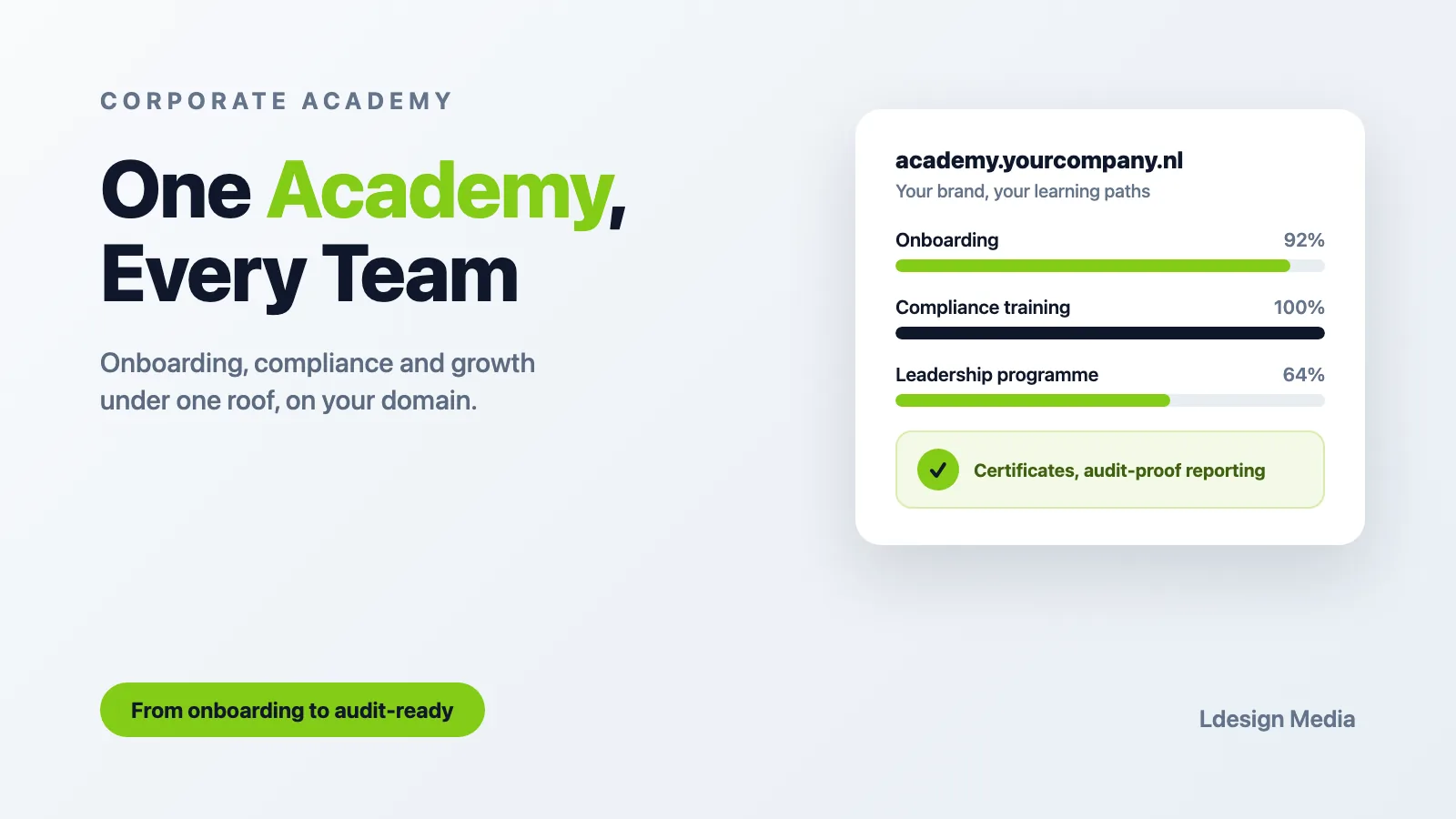
Your own online learning environment is ultimately about one thing: owning your revenue stream. Marketplaces and tool stacks are fine for starting out, but they cap your brand, your margin and your business model. Once training is a serious source of income, a custom platform on open source Moodle gives you everything under your own flag, without per-user licence fees eating your growth.
At Ldesign Media we build white label learning environments on Moodle for trainers and training providers: your brand, your domain, payments that fit the Dutch market, and client portals when you start selling to companies. Running an internal academy rather than selling courses? Then our guide on setting up a corporate academy is the better read. Either way, feel free to get in touch for a no-obligation consultation.